
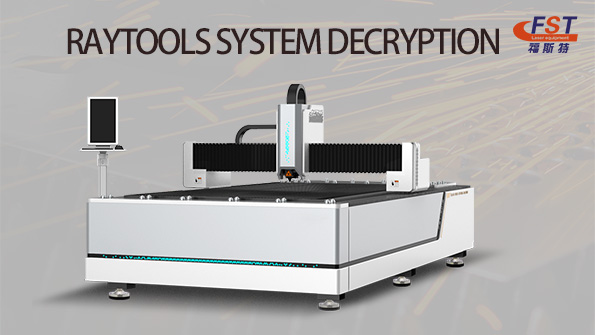
Before operating a fiber laser metal cutting machine for the first time, the RayTools control system must be properly activated and authorized. Correct software registration ensures stable machine performance, reliable communication, and safe operation. Please follow the professional procedure below to complete the system decryption and license activation.
Preparation Before System Activation
Before activating the RayTools software, complete the following machine startup procedures:
1.Connect the auxiliary gas supply and ensure stable gas pressure.
2.Fill the water chiller with sufficient purified water or dedicated coolant.
3.Properly connect the main power cable of the fiber laser cutting machine, ensuring reliable grounding and secure wiring.
4.Turn on the machine main power switch and then power on the water chiller.
5.Wait until the chiller temperature stabilizes at 24°C or above before turning on the laser source power supply.
6.Start the industrial control computer and launch the RayTools dedicated operating software.
RayTools Registration and Decryption Procedure
After entering the RayTools software interface, follow the steps below to complete system authorization:
Step 1: Open the Help Menu
Locate and click the “?” (Help) icon in the upper-right corner of the software interface.
Step 2: Access the Registration Window
In the pop-up menu, find the Registration Code input field.
Step 3: Enter the Official License Code
Carefully enter the genuine registration code obtained from the laser equipment supplier or authorized service provider. Ensure all characters are entered correctly, including uppercase and lowercase letters.
Step 4: Complete System Authorization
Click the Register button. Once the system verification is completed, the software will finish the decryption and authorization process, allowing the equipment to operate normally.
Important Notes
It is strongly recommended to use official and genuine registration codes to avoid software instability or operational issues.
Maintain stable power and network conditions during the activation process to prevent interruption.
If the registration code cannot be recognized, verify that the software version matches the license version, or contact technical support for assistance.
After successful activation, restarting the software is recommended to ensure all control parameters and functions are fully enabled.
Proper completion of the RayTools system decryption and license activation process helps ensure stable machine operation, high cutting precision, and long-term production efficiency for fiber laser cutting equipment.
Post time: May-22-2026

